
Sketching
Chamfer Tool: Cut Sketch Corners
The Chamfer tool in the True Robotics Design Playground cuts a sharp corner off with a short angled line. Press M, set the Distance in the tool panel, and click a corner where two lines meet. Both sides are set back by that distance. Click a side to pick every corner of the shape, then press Enter to cut them all.
- ChamferShortcut: MCuts a corner off at an angle, for beveled plates and corners that print cleanly.
How do I cut a corner?#
Draw a shape with corners In a sketch, draw a rectangle, a polygon or a chain of lines. Chamfer cuts any corner where two straight lines meet.
Pick the Chamfer tool Press M or click Chamfer in the sketch toolbar, right after Fillet. The tool panel on the left shows Chamfer with a Distance box. It starts at 1/8 inch, or 0.3 cm in a centimeter project.
Set the distance Click the Distance box, type how far back from the corner the cut starts, like
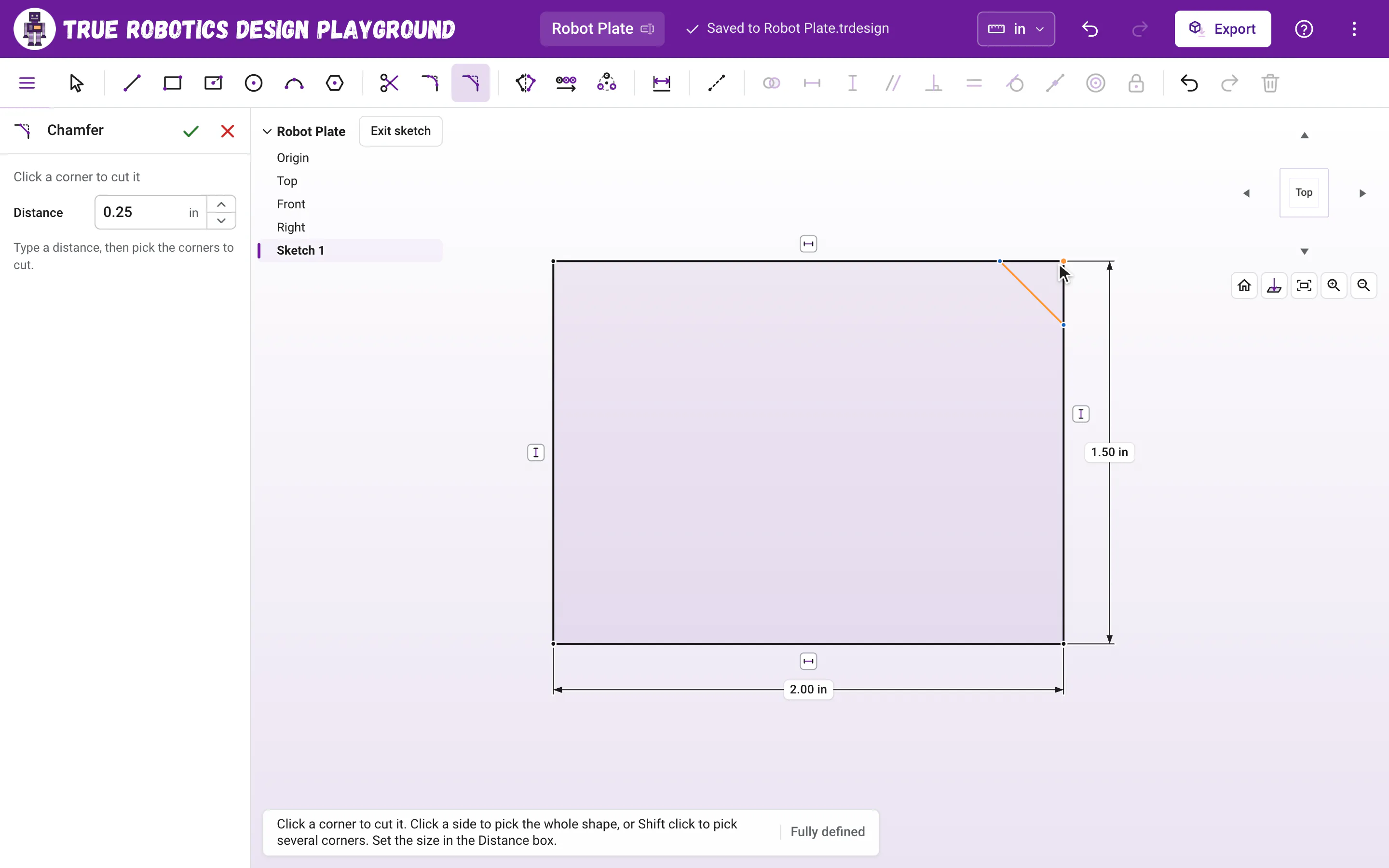
1/4, and press Enter. The up and down arrows beside the number work too, 0.1 inch at a time, or 0.1 cm in a centimeter project.Click a corner Move over a corner to see a preview of the cut, then click. The corner is replaced by a short angled line, set back the same distance along both sides.
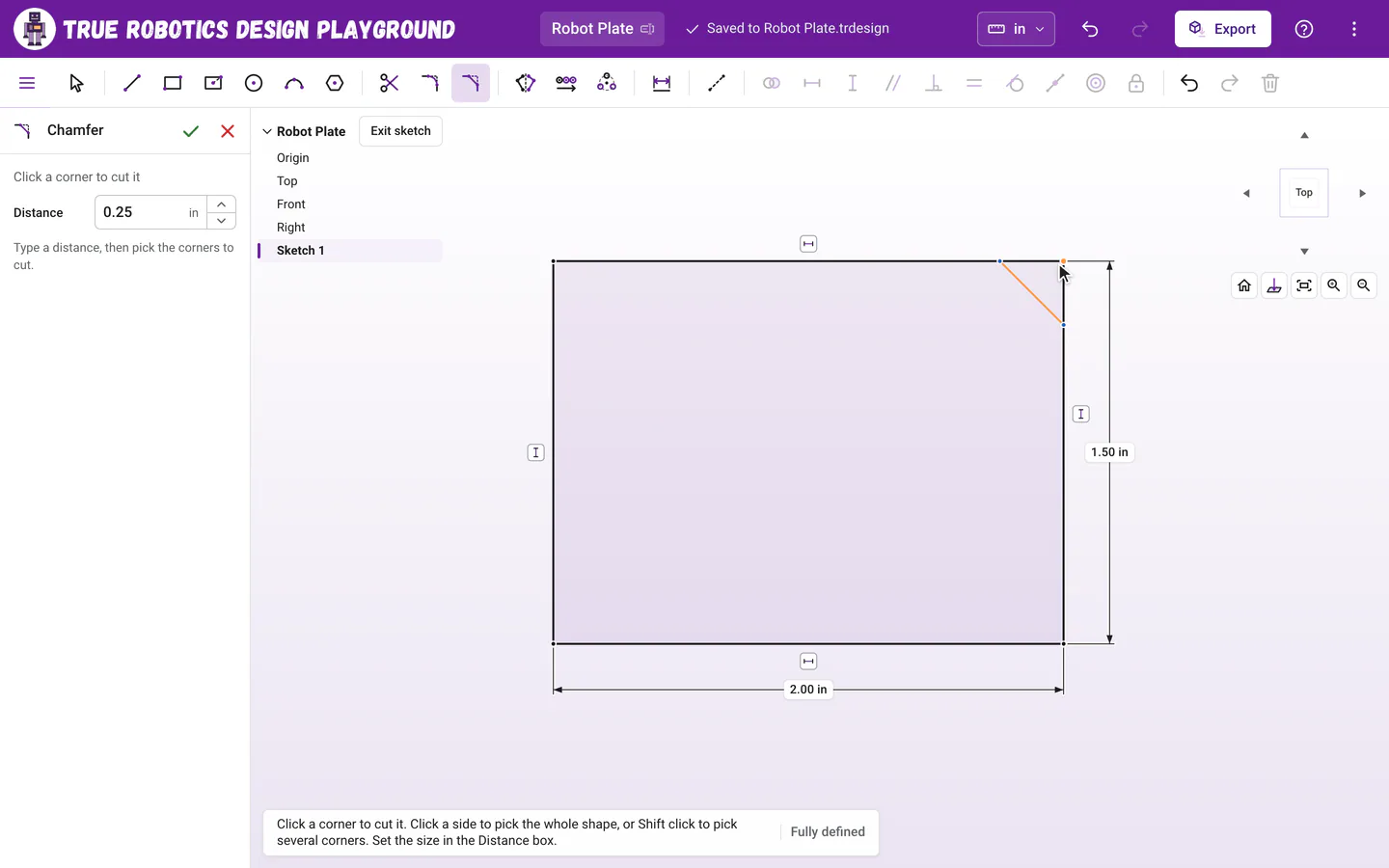
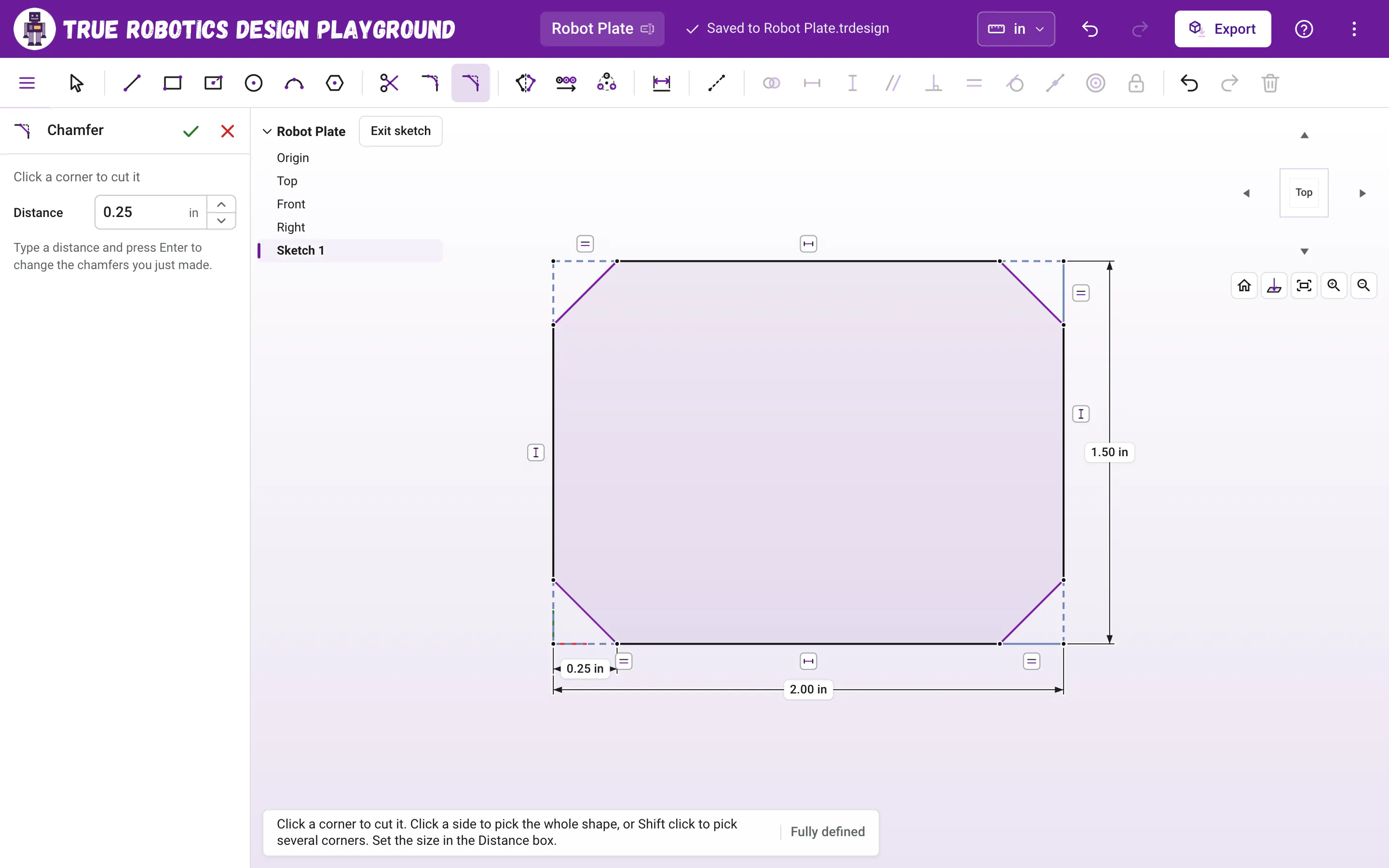
Point at a corner to preview the chamfer, then click to cut it. Cut a whole shape at once Click a side of the shape to pick all of its corners, then press Enter or click the button in the tool panel, like Cut 4 corners.
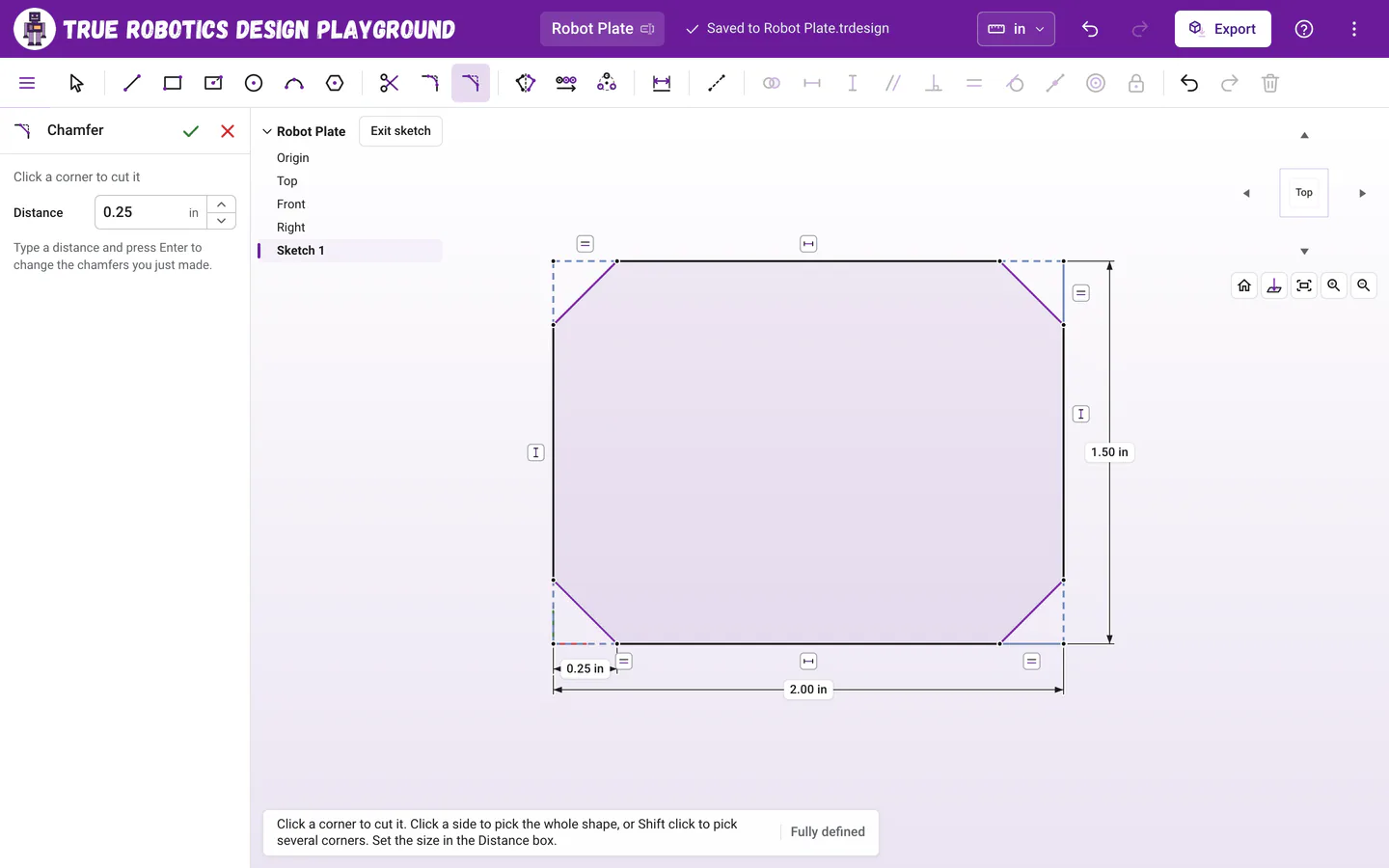
Chamfers made together share one distance, so one number changes them all. Put the tool away Click the green check at the top of the tool panel, or press Esc, to go back to the Select tool.
What does the distance measure?#
The Distance is how far the cut starts from the sharp corner, measured along each side. Both sides use the same distance, so on a square corner the cut runs at 45 degrees. Two short dashed construction lines run from the old corner to the ends of the cut, and one of them carries the distance dimension. They are equal to each other, which keeps the cut even.
How do I change the size of a chamfer?#
While the Chamfer tool is still on, type a new size in the Distance box and press Enter to change the chamfers you just made. Later, double-click the distance label with the Select tool. Chamfers made together at the same size share that one dimension, so they all change together.
Do my other dimensions still work?#
Yes. The sharp corner stays as a point held on both lines, so a corner on the origin stays there, and a rectangle's width still measures from corner to corner. That is how the cut can change size without moving the rest of your sketch.
Fillet or chamfer?#
| Fillet O | Chamfer M | |
|---|---|---|
| The corner becomes | A smooth arc, tangent to both sides | A short straight line at an angle |
| Its size | Radius | Distance back from the corner |
| The button with corners picked | Round 4 corners | Cut 4 corners |
| Great for | Comfortable edges and a finished look | Beveled edges, and corners that print cleanly |
If a distance does not fit, a message says the biggest size that does, like That distance is too big for this corner. Try one smaller than 0.25 in. Chamfer works only where two straight lines meet, just like Fillet.
Tip: On a touch screen
Tap a corner to cut it, or tap a side to pick the whole shape and then tap Cut 4 corners in the tool panel.
Chamfered corners give your robot parts a sharp, engineered look. Finish the sketch and extrude it to see the beveled edges in 3D.
Questions and answers#
What angle does a chamfer cut at?
Both sides of the corner are set back by the same distance, so a chamfer on a square corner cuts at 45 degrees. On other corners the cut sits evenly between the two sides.
Can I chamfer every corner of a polygon at once?
Yes. Press M, set the Distance, click one side of the polygon to pick all of its corners, and press Enter. Every corner is cut at the same distance.